
A Fake Teams Meeting Booking Handed Attackers a Construction Firm's Microsoft 365 Login
Huntress says attackers impersonated a real construction executive and used a fake Microsoft Teams meeting scheduler to trick an employee into approving a sign-in on Microsoft's real login page. The 'booking reference' was actually a device code. Here is how it works and what to lock down.
- microsoft-365
- microsoft-teams
- device-code-phishing
- phishing
- mfa
- business-email-compromise
- construction
- smb
- cybersecurity
- managed-it
- texas-it
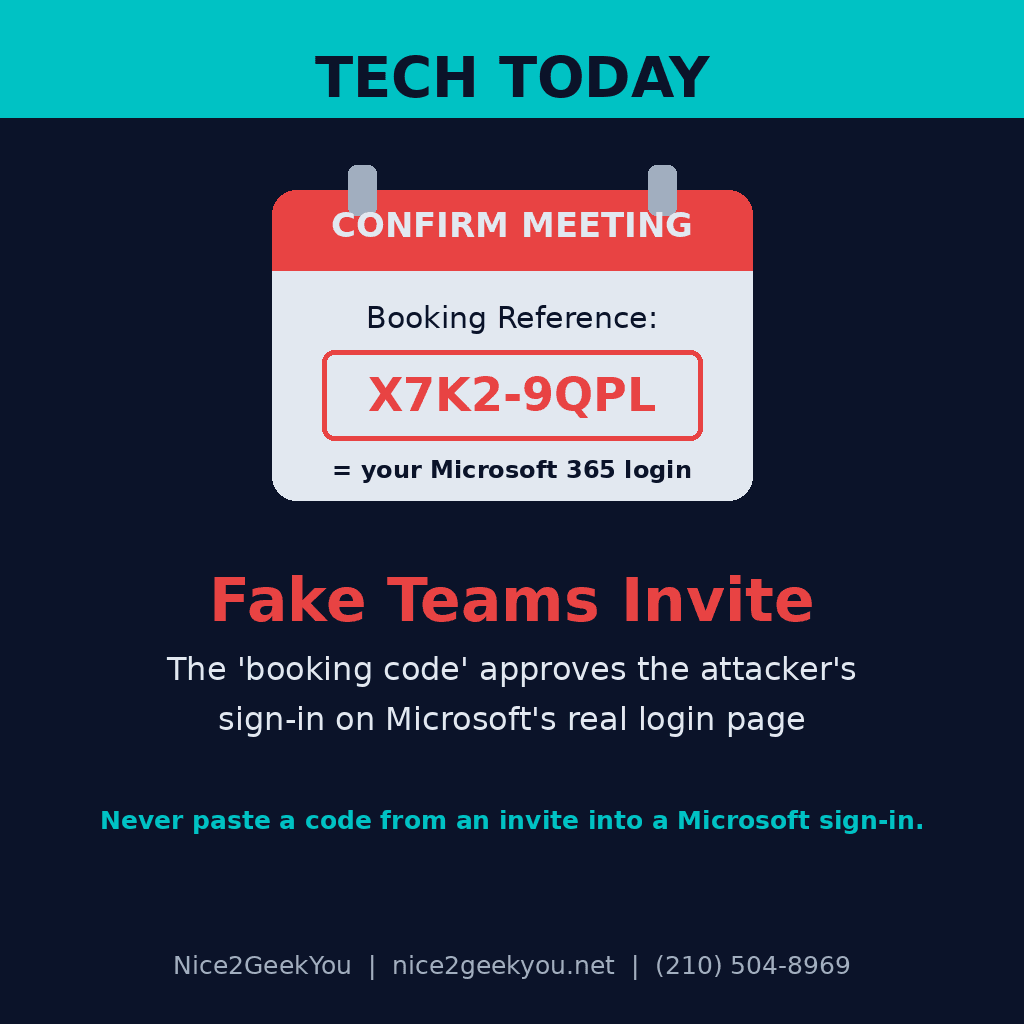
The scam didn't steal a password. It asked an employee to "confirm a meeting," and that click quietly approved the attacker's sign-in to the company's Microsoft 365 account. Huntress published the details on November 12: in mid-October, an employee at a construction company received an email that appeared to come from a real senior vice president at another construction firm, offering an introductory call about "a long-term partnership for the supply of your products." The attackers got a valid session token before Huntress's security team caught and contained the intrusion.
- The lure: a typosquatted email domain (one or two letters off from the real company), the real executive's name, title and headshot, and a page that looked like a "Microsoft Teams Meeting Scheduler" where you pick a date, time and call length.
- The trick: behind the scenes, the page started a Microsoft "device code" sign-in. The code it showed the victim was labeled a "Booking Reference," with a countdown timer. Clicking "Confirm Meeting" copied it and opened Microsoft's real sign-in page, where entering the code approved the attacker's session.
- The cover-up: after the code was accepted, the victim was sent to an ordinary-looking Calendly booking page so nothing seemed wrong.
- Built to get past filters: the email linked to a Google share link instead of the attacker's site, so it slipped past link-reputation checks, and the phishing page was encrypted so scanners that don't run JavaScript saw nothing. The final login was routed through a home internet connection in New Orleans so it looked like normal consumer traffic.
Why it matters for your money
Huntress notes the targeted account had no MFA enrolled, but this style of attack is designed to work even when MFA is on, because the victim completes the MFA prompt themselves on Microsoft's genuine page. The phishing kit even had a fallback that generated a new code if Microsoft asked for extra verification.
Once an attacker has a working session in someone's Microsoft 365 account, they can read email, files and conversations as that person. For a small business, that mailbox is usually where invoices, supplier bank details, payroll and customer contracts live. This one was a construction company being approached about a supply deal, exactly the kind of message a busy owner, estimator or office manager answers without a second thought.
What to do this week
- Tell your team: a meeting invite, document or "verification" page should never ask you to copy a code and paste it into a Microsoft sign-in page. If one does, stop and call the sender at a number you already have.
- Block device code sign-in if you don't use it. Most small offices don't. In Microsoft 365, it can be restricted or monitored with Conditional Access.
- Make sure every account has MFA, and move to phishing-resistant options where you can.
- Watch for sign-ins from unfamiliar devices or locations, and review them rather than ignoring the alert.
- If someone already entered a code: check that account for new MFA methods, unknown registered devices, app permissions you didn't approve, new inbox rules and unusual sent mail, then sign out all sessions and reset the password.
Nice2GeekYou is based in San Antonio and serves all of Texas on site, and our managed IT plans cover remote clients across the U.S. We set up Microsoft 365 with MFA, Conditional Access and sign-in monitoring so a fake meeting invite doesn't turn into a stolen mailbox. Request a quote, see our monthly plans, or text us at (210) 504-8969.
Sources: Huntress — Crafty Microsoft Teams Booking Flow Disguises Device Code Phishing (November 12, 2026); Help Net Security — How attackers turned a Teams meeting booking into a device code phishing trap (November 13, 2026).