
Fake Microsoft 365 Outage Emails Want Your Staff to Click "Restore Messages": Don't
Last week's Microsoft 365 outage knocked out Outlook and Teams for many businesses, and phishers are now cashing in. Microsoft warns of fake service health emails that quote the real incident number and say held messages will be deleted in 24 hours unless you click "Restore messages." One click can hand over a Microsoft 365 login. Here is how to spot it and what to do this week.
- phishing
- microsoft-365
- outlook
- exchange-online
- outage
- device-code-phishing
- mfa
- cybersecurity
- smb
- managed-it
- texas-it
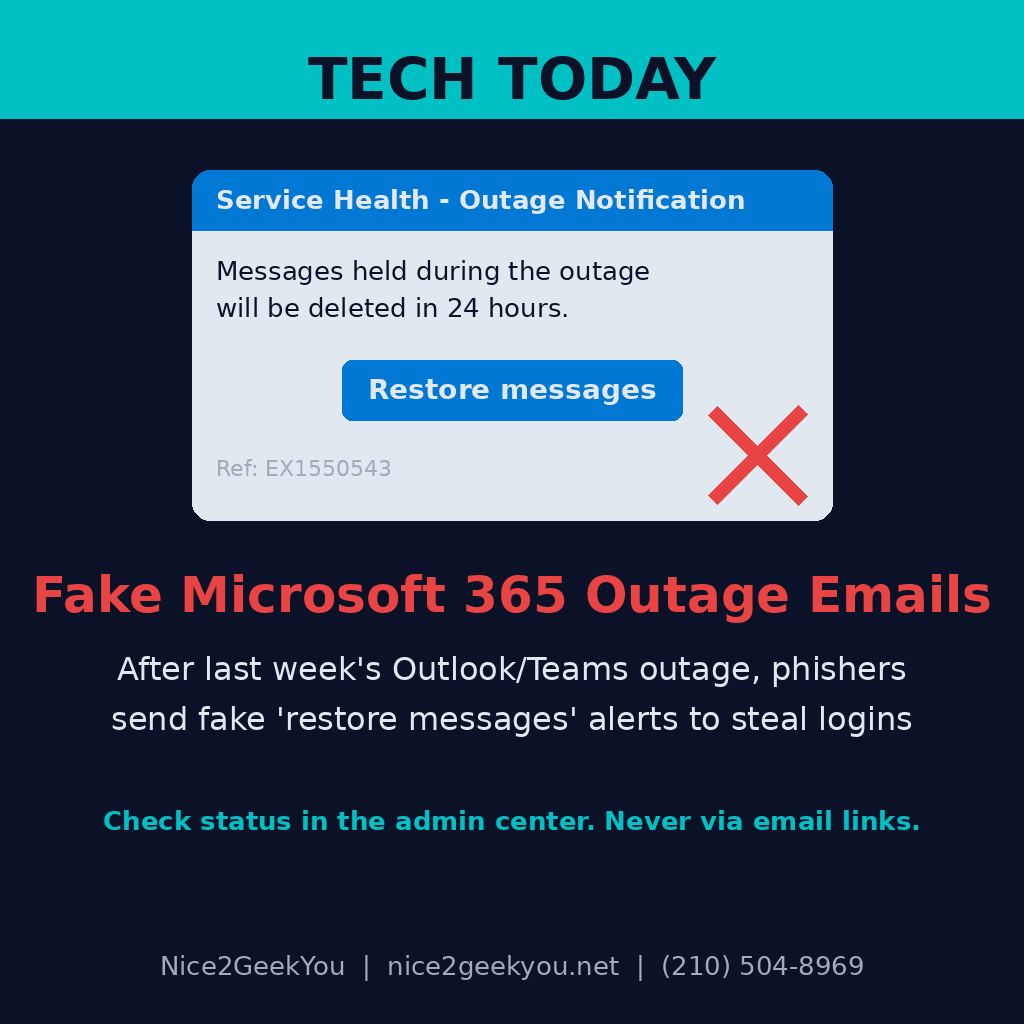
Your team already lost most of a workday to last week's Microsoft 365 outage. A fake "restore your messages" email could cost you a lot more. On November 12, Microsoft's Exchange Online service started failing, and Outlook, Teams, SharePoint and other Microsoft 365 services were unreliable for roughly a day. Microsoft says the outage was caused by its own network changes, not by hackers. But criminals moved fast: within a day, emails pretending to be Microsoft 365 service alerts were landing in business inboxes, and Microsoft Threat Intelligence is now warning about them.
- What the email says: it poses as a Microsoft 365 "Service health" or "Outage notification" message, quotes the real incident number (EX1550543), and claims messages held during the outage will be deleted within 24 hours unless you click a "Restore messages" link.
- Why it looks real: the emails are personalized with the recipient's name and company, and the display name reads like "[Your company] Outage Notification" or "[Your company] Service Health."
- What it wants: the link leads to a fake Microsoft sign-in page. Microsoft calls it credential phishing and says Defender is now blocking the three sender domains it identified, though it has not confirmed whether any passwords were stolen.
- A second version: Kaspersky reports a separate wave with the subject "Outlook is disconnected after the Microsoft 365 outage" that asks users to "reconnect" their Office account with a code. Behind the scenes, that trick can link the attacker's device to the victim's Microsoft 365 account, or simply collect the password.
Why it matters for your money
Whoever gets into a Microsoft 365 mailbox can read your invoices, reply to customers as you, change payment instructions, and hide the evidence with inbox rules. That is how payroll and vendor-payment fraud usually starts. Secure.com also points out that Microsoft's own link-checking and security console were unreliable during parts of the outage, so the moment staff were most likely to click was also the moment defenders could see the least.
This trick works because the timing is real. People spent a day without email, so a message about "held messages" feels expected.
What to do this week
- Tell your team: Microsoft does not email a link to restore your mailbox. Check outages only on the Microsoft 365 status page or in the admin center, never through a link in an email.
- Treat any code you didn't ask for as a red flag. Never type a sign-in or "verification" code into a page you reached from an email.
- Ask who clicked. If anyone clicked a "Restore messages" or "reconnect" link since November 12, reset their password, sign them out of all sessions, and check their mailbox for new forwarding or inbox rules.
- Make sure MFA is on for every account, and move owners, admins and anyone who handles payments to phishing-resistant sign-in like passkeys where you can.
- Check your email filtering. Confirm Safe Links (or your filter's link scanning) is turned on and that the scam's sender domains are blocked.
Nice2GeekYou is based in San Antonio and serves all of Texas on site, and our managed IT plans cover remote clients across the U.S. We lock down Microsoft 365, watch for risky sign-ins and new inbox rules, and train your team to spot fake alerts before anyone clicks. Request a quote, see our monthly plans, or text us at (210) 504-8969.
Sources: Cybernews — Microsoft 365 outage provides bait for new credential-stealing campaign (November 17, 2026); Kaspersky — A Microsoft outage as a pretext for phishing (November 17, 2026); Secure.com — Microsoft 365 Outage Phishing Turns a Real Incident Number Into Bait (November 16, 2026).