Fake Payroll and Invoice Emails Are Slipping Past Filters Through Your Own Allow-List
Microsoft's new Q3 email threat report says payroll-change requests are the top money lure, fake invoice requests more than tripled, and company-made security exceptions overrode filtering on many spoofed DocuSign-style messages.
- email-security
- payroll-fraud
- invoice-fraud
- microsoft-365
- phishing
- smb
- msp
- cybersecurity
- texas-it
- managed-it
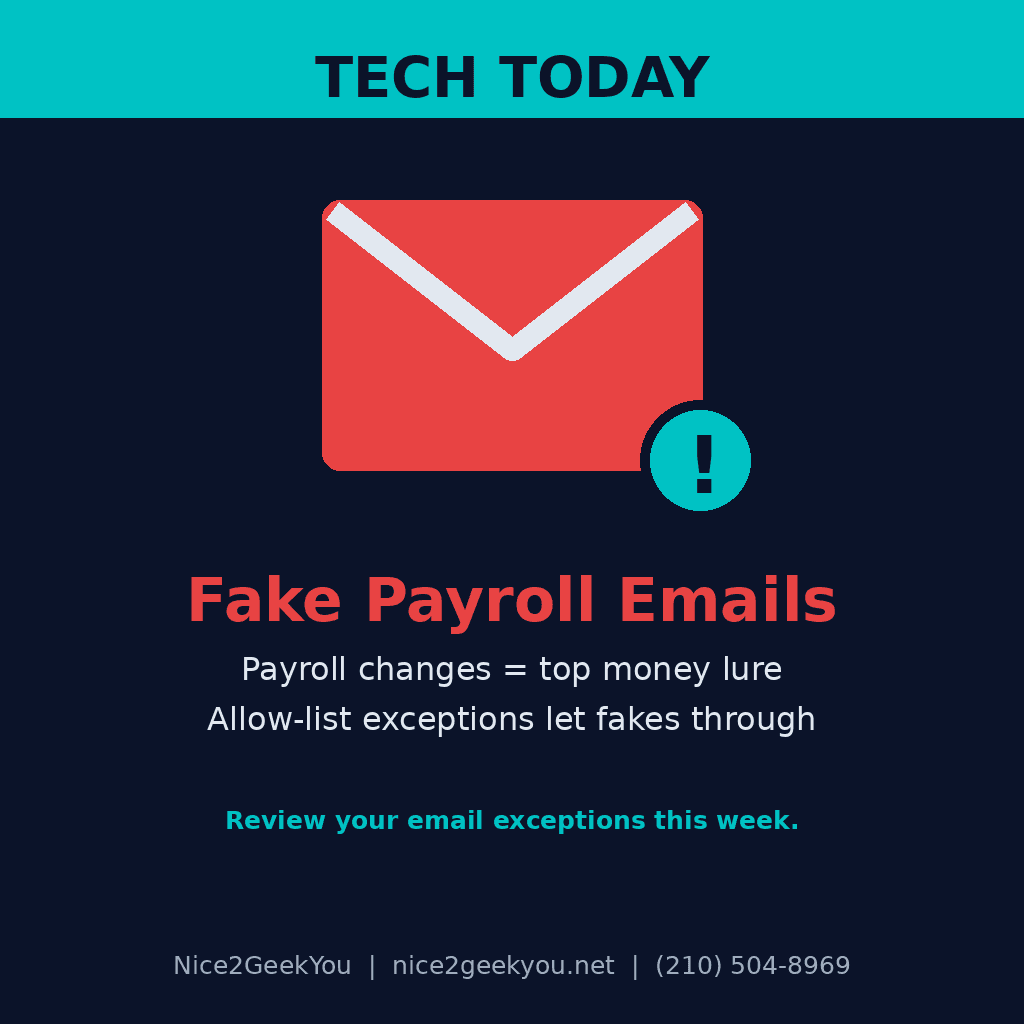
The email that redirects your next payroll run probably will not look like spam. It may even get waved through by a rule your own team created. Microsoft Threat Intelligence published its Q3 2026 email threat report on November 5. Two findings matter for any business that pays staff or vendors by direct deposit or ACH:
- Payroll update requests were the most common money lure in business impersonation emails, holding steady at about 126,000–130,000 attacks per month from July through September.
- Fake invoice payment requests more than tripled between June and September, with an 89% jump in September alone.
Why it matters for your money
Microsoft detected about 129 million malicious messages in Q3 that spoofed the real sender domains of business services people trust, such as DocuSign, Adobe and SurveyMonkey. These messages failed email authentication checks and were flagged as malicious. In September, though, tenant- or user-level overrides applied to 63% of the spoofed messages that had a recorded security outcome. In plain terms, many got through because of an "always allow" exception someone set up to keep a normal workflow from being blocked.
Microsoft notes those numbers do not prove anyone opened the messages or got hacked. But the pattern is clear: one fake "update my direct deposit" email to payroll, or one fake vendor invoice with new bank details, can send a paycheck or a supplier payment to a criminal. That money is often gone before anyone notices.
The report also found that 94–96% of malicious attachments aimed to steal logins rather than install malware. In Microsoft Teams, scam callers have mostly stopped using "Help Desk" display names. In September, 88% of the malicious calls Microsoft sampled used ordinary personal names.
What to do this week
- Audit your email allow-lists and bypass rules. In Microsoft 365, review tenant allow/block entries, transport rules and spam-filter exceptions. Remove broad "always allow" entries for whole service domains (DocuSign, Adobe, etc.) that skip authentication checks.
- Lock down payroll changes. Never change direct-deposit details because of an email. Require a request through your payroll portal or HR system, plus a second person to approve it.
- Lock down vendor bank-detail changes the same way. Treat any "new bank account" invoice as suspicious until a second person approves it.
- Turn on Safe Links, Safe Attachments and zero-hour auto purge (Defender for Office 365) if your plan includes them, and use authenticator-app or passwordless MFA for everyone who touches payroll or banking.
- Limit external Teams chats and calls to the people and domains who actually need them.
For South Texas teams on-site: sit down with whoever runs payroll and accounts payable, and write the change-approval steps on one page they can keep at their desk. For remote-managed clients nationwide: ask your MSP for a list of every email exception in your tenant and why each one exists.
Nice2GeekYou is based in San Antonio and serves all of Texas on site, and our managed IT plans cover remote clients across the U.S. We help SMBs clean up risky Microsoft 365 email exceptions, tighten payroll and payment workflows, and set up the filtering most small offices never turn on. Request a quote, see our monthly plans, or text us at (210) 504-8969.
Source: Microsoft Security Blog — Email threat landscape: Q3 2026 trends and insights (Microsoft Threat Intelligence and Microsoft Defender Security Research Team, November 5, 2026).